Browser-based editing
Make your next video with the invideo online video editor
The invideo online video editor is a starting point when you want to work with footage, text and a sequence of scenes in your browser. Describe the edit you have in mind, then check the timing, wording and visual choices before sharing the result.
This entry point vs the general one
Choose the editor when the order and presentation of existing material matter more than generating a first draft from a topic.
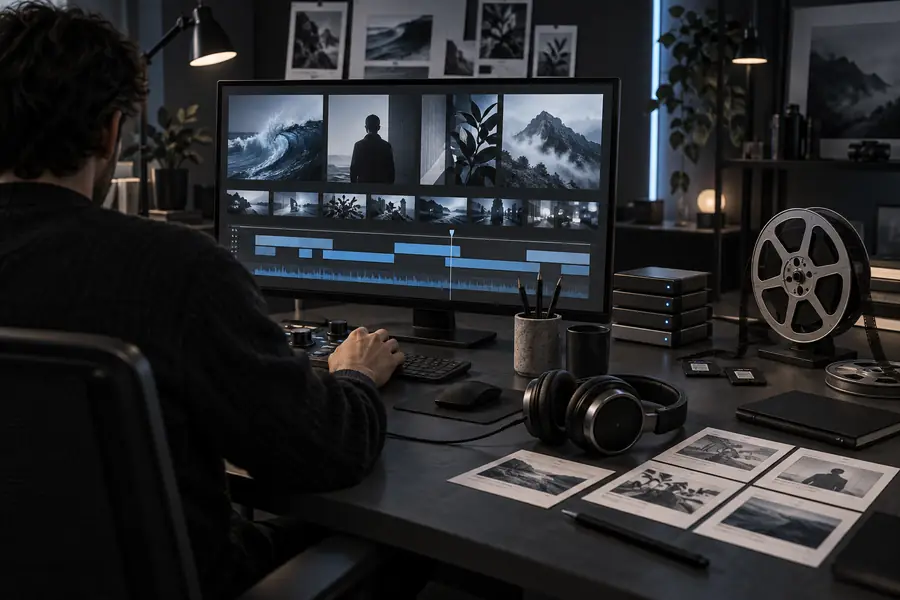 Start with material
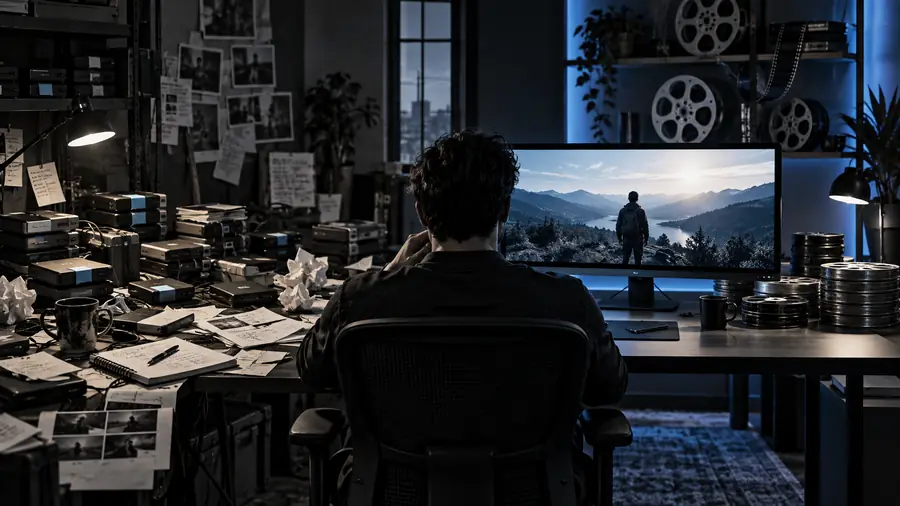 Refine the sequence
The three things this entry point puts first
Think of these as editing decisions to make, not effects the tool can choose reliably on its own.
-
1
Set the sequence
Decide which moment opens the video, what evidence or demonstration follows, and where it ends. Give Invideo that order in your instructions. If you have footage, identify each clip by what it shows so the sequence is understandable even before you adjust individual cuts.
-
2
Refine the message
Write the exact words you want viewers to read or hear. An online video editor is most useful when you can spot a line that is too long, a title that appears too late or a closing message that needs to be clearer. Check names and claims against your source material.
-
3
Review the pacing
Watch the opening, transitions and ending as a viewer would. Mark any shot that lingers, any text that disappears too quickly and any scene that feels out of place. Then give Invideo a specific revision request instead of asking it to make the whole video better.
How to start
Begin with the material you actually have. Each path leads to a different first instruction and a different review task.
Build around footage you already chose
List the clips in their intended order and state the job of each one: hook, demonstration, supporting detail or ending. Tell Invideo which moments must remain. Once you have a draft, review it for missing footage and awkward transitions before spending time on titles or music.
Turn a written message into scenes
Break your script into short beats rather than pasting a dense paragraph and leaving every visual decision open. Give each beat a purpose and note any wording that must stay exact. In the online video editor, compare the on-screen text with your script and correct omissions or changes in meaning.
Draft first, then switch to editing decisions
If you have only a topic, describe the audience, the intended length and the point the viewer should take away. Treat the first Invideo result as a draft. Decide which scenes earn their place, replace vague wording and check any factual claim before you consider the video ready to share.
Limits to check before sharing
Give the final cut a human review
A browser-based workflow does not remove the need to check your source files, rights, spelling, factual claims and sound. Available editing controls and export options can change, so inspect the current interface rather than relying on an old walkthrough. If a shot or sentence is wrong, request that specific change and watch the affected section again. Invideo can help you reach a draft; you decide whether the finished video says what you intended.
Start editing- Check that you may use every clip and audio track.
- Read captions, titles and names on playback.
- Review the opening and ending at normal speed.
Online editor FAQ
An editor-focused workflow begins with decisions about clips, scene order, wording and timing. A general prompt can begin with a topic and produce a draft to refine. Use whichever starting point matches the material you have, then review the resulting video.
Yes, a script can give you the structure for an initial draft. Split it into scenes and identify any wording that must remain exact. Watch the draft to make sure the visuals and pacing support the script rather than merely repeating it.
An online video editor is designed for work through a browser. You still need a suitable connection and access to any footage you plan to use. Check the current tool interface for its supported files and available controls.
Watch the entire video with sound and read every line of on-screen text. Confirm that the footage and audio are yours to use, names and claims are accurate, and no important scene has been cut. Review the available output options in the current interface before finishing.