First-time channel creator
You know the topic but have never arranged a hook, explanation and ending into one video.
Start with a repeatable outline, then use the beginner guide to check each editing decision.
how to use invideo for beginnersCreator workflow
This invideo tutorial for youtube starts with a focused idea, not an empty timeline. Describe your audience and message, build a draft, then review every scene before publishing.
YouTube ideas are easy to collect but harder to turn into watchable videos. Each creator below starts with a different bottleneck and needs a draft they can actually review.
You know the topic but have never arranged a hook, explanation and ending into one video.
Start with a repeatable outline, then use the beginner guide to check each editing decision.
how to use invideo for beginnersYour lesson is written, but finding a visual for every sentence slows production.
Convert a concise script into a scene plan, then inspect how text becomes video.
invideo io text to videoYou have clips and narration but need to assemble them into a coherent YouTube draft.
Compare the editor workflow with a prompt-led draft before choosing where to spend manual effort.
invideo online video editorYou want to test a tutorial, list video and short explainer before committing to a format.
Use example structures to decide which format best serves the viewer's question.
invideo examples listChoose the starting material you already have. A prompt-led Invideo draft helps establish structure; manual editing remains important when timing or source footage matters.
Starting material
Prompt-led Invideo draft
A topic, audience and intended takeaway
Footage-first editing
Recorded clips, narration and a rough shot order
First decision
Prompt-led Invideo draft
Define the hook and sections in the prompt
Footage-first editing
Select the opening clip and build a timeline
Visual planning
Prompt-led Invideo draft
Review suggested scenes against the script
Footage-first editing
Match existing footage to each spoken point
Pacing
Prompt-led Invideo draft
Trim repetitive lines and long scenes after drafting
Footage-first editing
Adjust cuts around speech and demonstrations
Captions
Prompt-led Invideo draft
Check wording, names and on-screen readability
Footage-first editing
Add or correct captions against the final narration
Best fit
Prompt-led Invideo draft
Explainers and tutorials that begin as an outline
Footage-first editing
Demonstrations where your own footage carries the lesson
Keep a related guide beside your draft rather than switching methods halfway through. These pages cover the three most common next questions.
For a YouTube tutorial, keep the viewer's problem visible at every stage. This workflow works whether you start with a prompt or revise an existing script.
State what the viewer will accomplish, who the video is for and what must appear on screen. Give Invideo a short hook, a logical sequence and a specific closing recap rather than asking for a generic video.
Watch from beginning to end without stopping. Then fix unclear narration, mismatched visuals, abrupt cuts and captions that obscure important footage. Replace any scene that illustrates the wrong action, even if it looks polished.
Preview on a phone-sized screen, listen with headphones and confirm that the opening delivers on the proposed title. Prepare a truthful title and description, then check the final file before uploading it yourself.
A useful result is not merely a sequence of attractive shots. It should show the promised task in a sensible order and leave viewers with a clear next step.
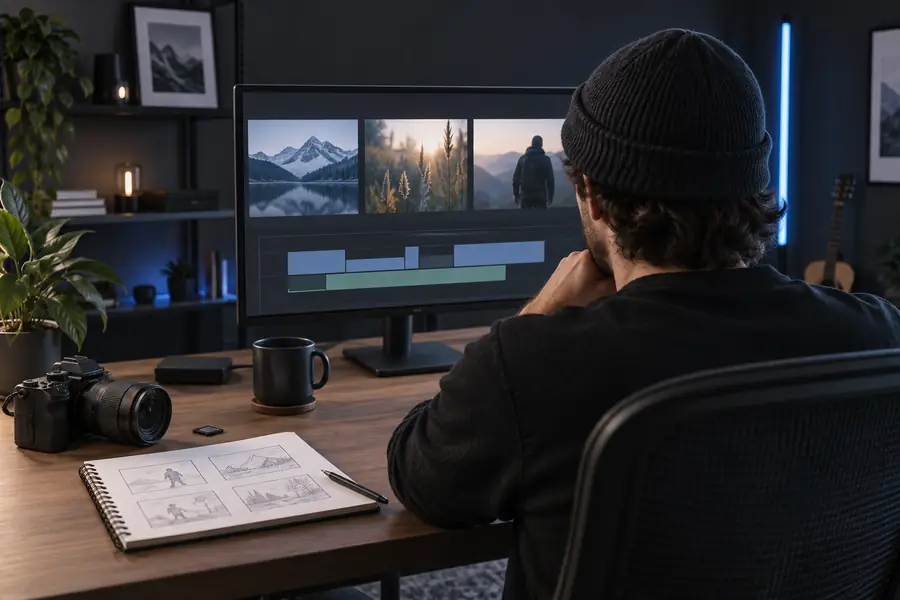 Topic and rough structure
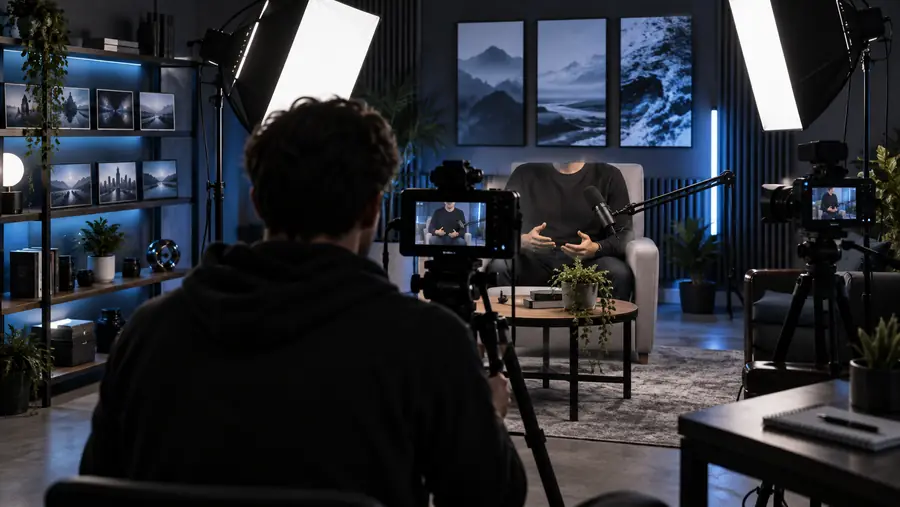 Reviewed video direction
Before a YouTube upload, confirm you have permission to use every clip, image, music track and voice in the final video. Check factual claims, demonstrate safety-sensitive steps accurately and avoid a title or thumbnail that promises something the video does not show. If you use Invideo to draft a tutorial, treat generated scenes as suggestions, not proof that a technique works. Also inspect the exported file for visible branding or restrictions rather than assuming a draft is ready to publish.
Create a video draftBegin with one viewer question and write down the outcome the video should deliver. Give Invideo a hook, a short sequence of teaching points and a closing recap, then watch the draft before making edits.
Specify the audience, topic, approximate length, tone and steps that must appear. If a particular action needs to be shown, describe it explicitly and verify that the resulting scene actually depicts it.
A footage-first workflow begins with your recorded clips and builds the story around them. Check the tools available in the editor you are using, then retain your own footage wherever a generic scene would make the instruction less clear.
Not without review. Watch the whole export, correct captions and factual errors, confirm media permissions and make sure the video supports its title and thumbnail.
Show the result early, present steps in the order viewers need them and keep on-screen examples aligned with narration. Cut repeated explanations and test whether the instructions remain clear on a small screen.