invideo

Words to visuals

Create a First Cut With invideo io text to video

invideo io text to video starts with a written description rather than a timeline of clips. Describe the subject, audience, visual direction, and narration you want; then treat the generated video as a draft to review, not a finished edit.

Review the draft before sharing
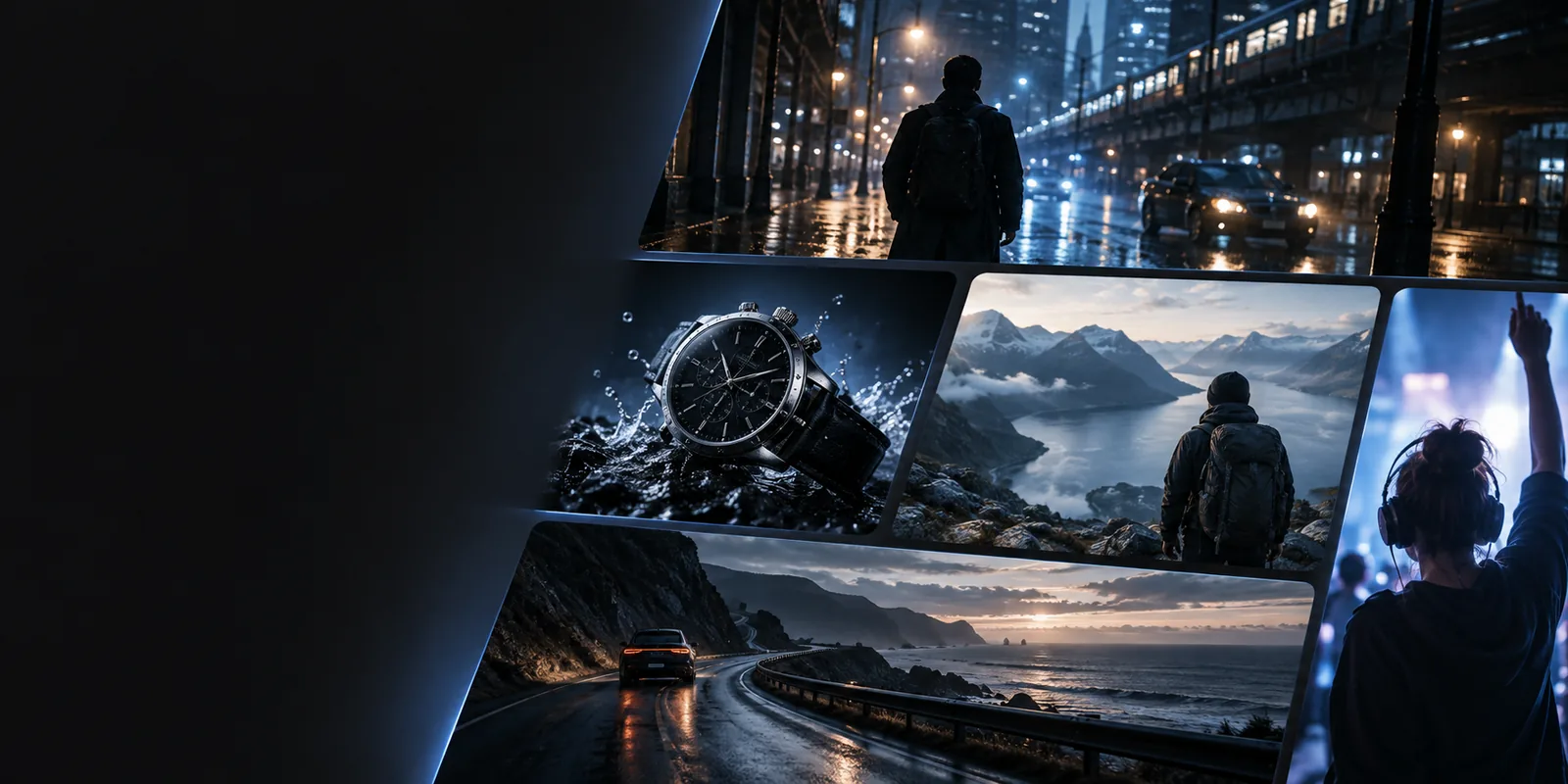
Invideo landing visual illustrating video creation

Why turn written ideas into video

A text to video workflow helps when the message is clear but the sequence of scenes is not. These starting points call for different levels of control after the first draft.

YouTube creators

Start with a short outline of the hook, main points, and ending rather than assembling footage first.

Use the draft to test the order of ideas, then check pacing, narration, and visuals against the script. For a channel-specific walkthrough, see invideo tutorial for youtube.

invideo tutorial for youtube

Hands-on editors

Generate a rough sequence from a brief, then decide which shots need replacing or tightening.

Move from a prompt-led draft to deliberate clip and timing decisions. invideo online video editor explains the editing side of that process.

invideo online video editor

First-time makers

Write a simple message for a short announcement without learning a full editing workflow upfront.

Get something concrete to assess, then revise one issue at a time. how to use invideo for beginners covers a broader starting workflow.

how to use invideo for beginners

Text-to-video input and output specs

The useful distinction is between what you can specify in writing and what you still need to verify in the resulting video.

Written input
Draft to inspect

Core message

Written input

State the topic and the one point viewers should remember.

Draft to inspect

Check that the opening and ending support that same point.

Audience

Written input

Name who the video is for and what they already know.

Draft to inspect

Check that the language and examples suit those viewers.

Structure

Written input

List the intended hook, key points, and closing action.

Draft to inspect

Check scene order and remove repeated or missing ideas.

Visual direction

Written input

Describe the setting, subjects, and mood you want.

Draft to inspect

Check whether each visual actually illustrates its line.

Narration

Written input

Provide important wording when exact phrasing matters.

Draft to inspect

Listen for mispronunciations, awkward pauses, or changed meaning.

On-screen text

Written input

Keep requested captions and labels short and specific.

Draft to inspect

Proofread every visible word and check readability.

Where a first draft needs attention

Text to video can establish a direction quickly, but a plausible-looking scene is not proof that the message or details are right.

It cannot verify your claims

A polished sequence may still contain an incorrect statement, date, or implication.

Workaround

Check factual lines against your own reliable sources before publishing.

It cannot know your exact brand style

A brief such as “make it professional” leaves color, tone, and framing open to interpretation.

Workaround

Describe the look concretely and review each scene for consistency.

It cannot guarantee a perfect visual match

A scene may be attractive without accurately showing the action described in the narration.

Workaround

Compare visuals with the script line by line and revise mismatches.

It cannot replace a final quality check

Captions, pacing, audio levels, and transitions all need human attention.

Workaround

Watch the entire draft once with sound and once with captions in view.

The tool block: from prompt to review

Keep the first request focused. A specific, modest brief is easier to evaluate than a long prompt asking for several unrelated messages.

  1. 1

    Write the brief

    Give the subject, intended viewer, central message, approximate length, and a simple beginning-to-end outline.

  2. 2

    Inspect the draft

    Watch for missing points, unrelated scenes, unclear narration, and text that disappears before it can be read.

  3. 3

    Revise deliberately

    Change the brief or edit the draft to fix the most important mismatch first. Review the result again before sharing.

Turn your script into a first cut

Start with the message you want viewers to remember

A useful text to video prompt gives the draft a clear purpose, then leaves room for you to inspect the result. Begin with a short brief and refine the scenes, wording, and timing that matter most.

Create video draft
  • Describe your audience
  • Outline the key scenes
  • Review before sharing

Text-to-video FAQ

Start with the topic, intended audience, and main point. Add an outline, visual direction, and any wording that must appear exactly, then review how the draft interprets those instructions.

An outline is a practical starting input when it identifies the hook, main points, and ending. If the first result feels generic, add concrete scene descriptions and clarify what each part should communicate.

Not necessarily; a focused brief can help you explore a first cut. Write a fuller script when precise narration, terminology, or the order of claims is important.

No. Check each scene against the point it is meant to illustrate, especially when your prompt names a specific action, object, or setting.

Verify factual claims, proofread on-screen words, and listen to the complete narration. Watch for abrupt timing, irrelevant visuals, and anything that changes the meaning of your original message.

Start creating
Start creating